10 Best TradingView Alternatives for Traders (Free & Paid)

But many traders find its premium plans too expensive. Paid plans run from $12.95 to $199.95 per month. Others need deeper customization, broker integrations, or specialized tools that TradingView lacks.
Below, we compare the best TradingView alternatives by price, charting, backtesting, and scripting, so you can pick the one that fits how you trade.
Key Takeaways
- TradeLocker and Match-Trader run TradingView charts inside the platform, so prop and forex traders keep the same charts without paying for a TradingView plan.
- The best free TradingView alternatives are thinkorswim for US stocks and options, MetaTrader 5 for forex, and NinjaTrader for futures charting and simulation.
- TrendSpider and Forex Tester Online are the strongest picks for backtesting, while no major platform runs Pine Script natively.
TradingView Alternatives Compared
Why Do Traders Look for Better Alternatives to TradingView?
Traders look for better alternatives to TradingView for three reasons: cost, plan limits, and reliability. The free Basic plan allows only 2 indicators per chart and 3 price alerts, and the Premium plan costs $59.95 per month. On Reddit, TradingView users also complain about performance issues like chart freezes, drawings that disappear, missing candles, and alerts that never trigger. Some traders simply need a feature TradingView does not focus on, such as deep fundamentals, futures order flow, or tick-level backtesting.
What Are the Best TradingView Alternatives in 2026?
The best TradingView alternatives for most active traders are TradeLocker, Match-Trader, and Forex Tester Online. The first two let you chart and trade in one place, and the third is built for testing a strategy before you risk money.
1. TradeLocker
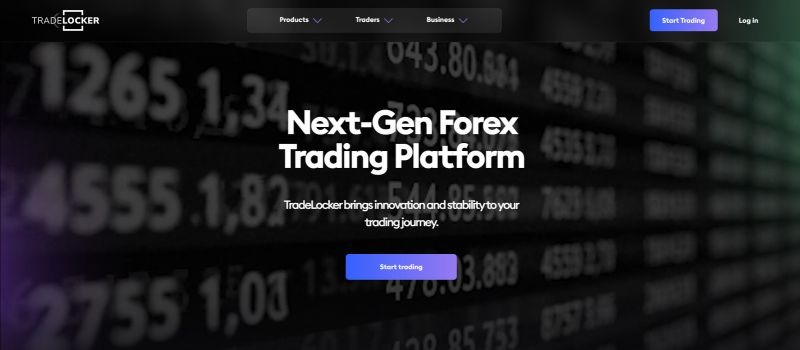
TradeLocker is a web, desktop, and mobile trading platform that uses TradingView charts, which makes it the closest match for traders who like TradingView but want to trade from the same screen.
Key Features
User-Friendly Interface with Advanced Charting Tools: TradeLocker features a user-friendly interface that caters to both beginners and experienced traders. It runs the TradingView charting suite with 100+ indicators, drawing tools, multi-chart layouts, and all the common time frames. That makes it a strong TradingView alternative with indicators already built in.
Streamline trading with one-click order execution and a risk calculator that handles position sizing from the risk you choose. You can also place and drag stop loss and take profit levels right on the chart.
Real-Time Data and In Depth Analysis Tools: One of the standout features of TradeLocker is its provision of real-time data to analyze market trends. Traders can access up-to-the-minute pricing and technical analysis tools, enabling them to make well-informed, timely trading decisions.
Integration with Multiple Brokers and Prop Firms: TradeLocker integrates with multiple brokers and prop firms, allowing traders to execute trades directly from the platform. This eliminates the need to switch platforms and ensures consistent asset pricing, making trading more efficient.
Automated Trading Features: TradeLocker Studio lets you build trading bots without code and backtest them before they go live. This helps if you want rules to run during off-hours or fast markets.
Price: Free when your broker or prop firm offers it.
Downside: You can only use it through a broker or prop firm that supports it, and it does not run Pine Script.
Best For
TradeLocker is best for day traders and scalpers who require quick access to real-time data, technical analysis, and the ability to trade directly from the platform. The integration of multiple brokers makes it especially beneficial for traders managing multiple trading accounts. Additionally, its automated trading capabilities help minimize emotional trading.
2. Match-Trader
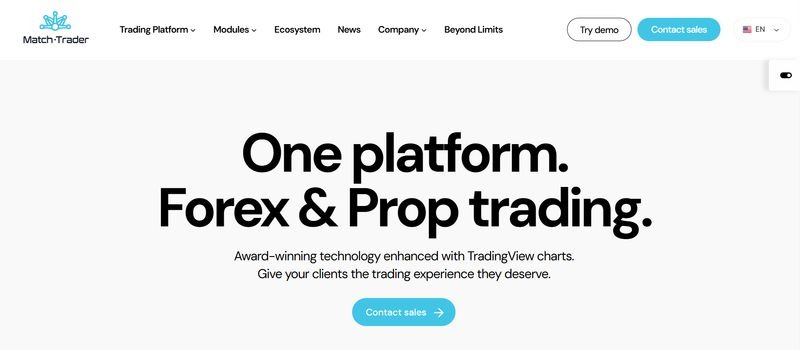
Match-Trader is a browser and mobile trading platform with built-in TradingView charts, designed for forex and CFD traders who want a clean, fast layout.
Key Features
Customizable Trading Environment with Advanced Charting Tools: Match-Trader allows users to completely customize their dashboard, charting tools, and layout. You can build a complex multi-chart setup or keep it simple. It now ships 84 built-in indicators.
Web-Based Platform with Mobile-Friendly Access: Match-Trader is web-based, meaning you can access the platform from any device that has an internet connection. It also works on phones and tablets, so you can track markets and place trades on the go.
Real-Time Market Data: Match-Trader provides in-depth market analysis tools and real-time market data. This allows traders to stay on top of price movements, identify new opportunities, and refine their strategies.
Price: Free when your broker or prop firm offers it.
Downside: It is built for manual trading. Traders who want bots or custom scripts should look at other platforms like MetaTrader 5 or TradeLocker Studio.
Best For
Match-Trader is best for traders who are looking for a modern, intuitive, and customizable trading experience. The web-based nature and mobile access make it suitable for traders who are always on the move and prefer flexibility in managing their trades.
3. Forex Tester Online
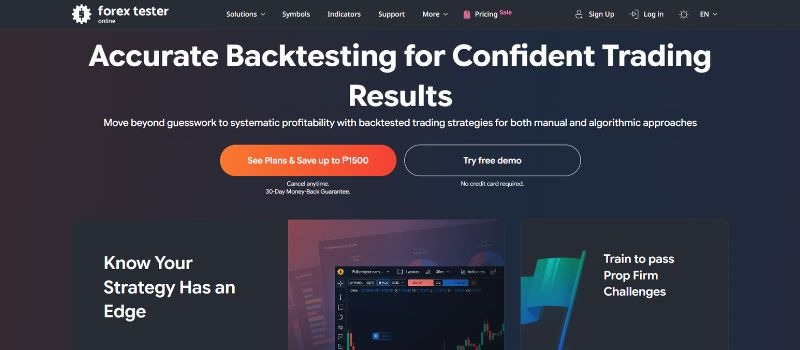
Forex Tester Online is a web-based backtesting simulator that replays historical market data so you can practice and test a strategy without risking money.
Key Features
Historical Data and Backtesting Capabilities for Strategy Testing: Forex Tester Online is built for backtesting, so you can refine a strategy before you use real money.
It provides manual backtesting and forward testing, allowing users to test strategies with up to 23 years of tick-by-tick data, reflecting real market conditions. It covers 283 assets, including 112 forex pairs, indices, futures, and stocks.
One of the key benefits of Forex Tester Online is its ability to simulate key market movements without the financial risk. Traders can practice their strategies and build trading skills in a safe, risk-free environment and gain confidence before applying them in real-time market conditions.
Additionally, users on the Pro plan can turn a strategy into a trading robot and test it the same way as a manual strategy.
Technical, Fundamental, and Risk Management Tools: Forex Tester Online includes indicators like moving averages, RSI, and Fibonacci retracements. It also has news updates, a position size calculator, and a risk to reward tool.
The platform also offers various chart types to support different analysis styles, from basic line charts to candlestick charts.
Use Top One Trader’s position size calculator to determine the ideal risk level for each trade. Take control of your risk management and trade smarter today!
Price: Starter from $159 per year, Pro from $239 per year, with a free demo.
Downside: It is a simulator only. You cannot place live trades from it.
Best For
Forex Tester Online is best for anyone who prefers to test strategies before executing them in live markets. It gives you a risk-free place to build a new strategy, refine an old one, or test an algo system.
It’s perfect for traders who want to backtest over large periods and ensure their strategy holds up in various market conditions, including algorithmic trading strategies.
Which TradingView Alternatives Work for Stocks, Futures, and Options?
The best TradingView alternatives for stocks, futures, and options are thinkorswim, NinjaTrader, TrendSpider, TC2000, and Koyfin, while MetaTrader and FXCM Trading Station remain the go-to picks for forex. Interactive Brokers’ Trader Workstation is another option if you need global market access, but it has a steep learning curve.
4. MetaTrader 4 and MetaTrader 5 (MT4/MT5)
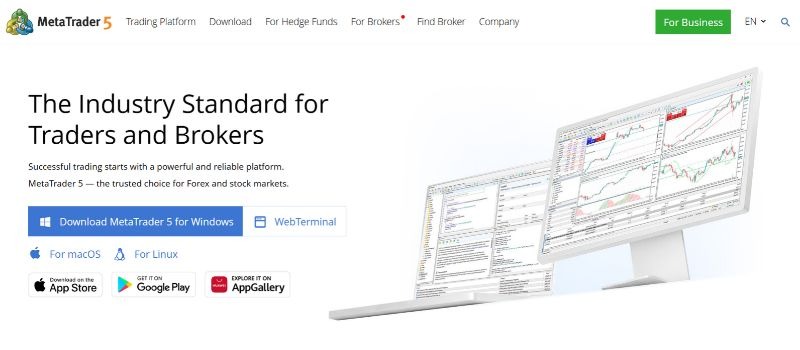
MetaTrader 4 (MT4) and MetaTrader 5 (MT5) are among the most popular platforms for forex and CFD trading, widely used in the trading community.
Key Features
While they cater primarily to forex traders, they also support a variety of financial instruments like CFDs, indices, and commodities. Both platforms offer advanced tools for technical analysis, trading automation, and real-time news feeds, making them well-suited for experienced traders.
Both include a wide array of indicators like Moving Averages, RSI, MACD, and Fibonacci retracements, plus custom chart styles and drawing tools. MT5 adds 21 timeframes, Depth of Market, and a multi-asset Strategy Tester.
Both platforms also run Expert Advisors (EAs), which place buy and sell orders for you based on your rules. That suits algorithmic traders and anyone who prefers a hands-off approach. The platforms also provide real-time news, ensuring traders stay informed of market events.
Price: Free through a supporting broker or prop firm.
Downside: The charts look dated next to TradingView, and one Reddit user summed it up as going back to “rigid charts.”
Best For
MetaTrader is best for traders who want to develop and optimize automated trading strategies. MT4 and MT5 provide a robust environment for algorithmic trading, enabling traders to build custom trading bots using MQL4 and MQL5 programming languages.
5. thinkorswim (by Charles Schwab)
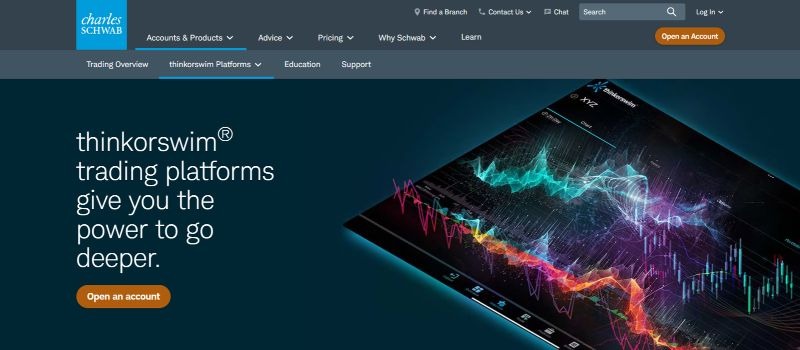
thinkorswim is Charles Schwab’s trading platform, which Schwab took over from TD Ameritrade. Schwab clients get the desktop, web, and mobile versions at no charge, with no minimum to open an account.
The platform provides powerful analytical tools, comprehensive market data, and sophisticated charting features, making it ideal for traders seeking detailed analysis and real-time information.
Key Features
Key features of thinkorswim include live data, advanced charting, and customizable indicators, along with multi-chart layouts and drawing tools. Its paperMoney mode lets you practice with virtual money. It also offers video tutorials, webinars, and articles, which helps traders who want to learn while they trade.
Supporting stocks, forex, futures, and options trading, thinkorswim is versatile and allows users to diversify their portfolios.
Price: Free with a Schwab account. Stock trades are $0 and options cost $0.65 per contract.
Downside: You need a Schwab brokerage account, and the platform is built mainly for US traders.
Best For
thinkorswim is best for U.S. stock and options traders looking for a comprehensive platform that offers detailed market analysis tools, educational content, and support for various asset classes.
6. NinjaTrader
Official website: ninjatrader.com
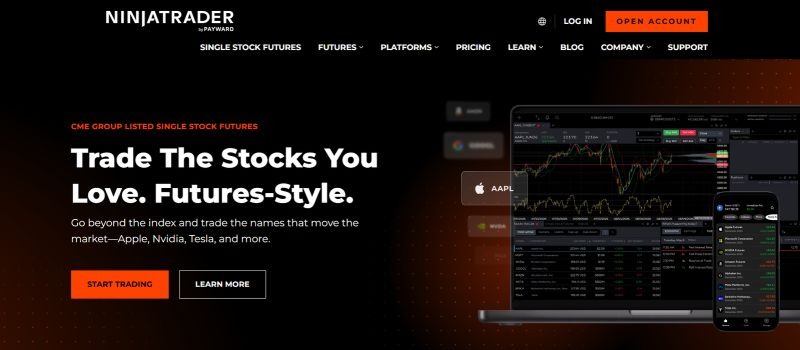
NinjaTrader is a popular platform, particularly among futures and forex traders, and is known for its professional-grade charting tools and backtesting capabilities. It is favored by serious traders who require precision and accuracy in developing their strategies.
Key Features
NinjaTrader include advanced charting and backtesting tools, allowing traders to simulate strategies with historical data and optimize their future trades. The platform supports brokerage integration, making it easy to execute strategies directly from the same platform.
Traders can also create custom indicators and set up automated trading strategies to manage trades on their behalf.
Price: Free for charting, backtesting, and simulated trading. Paid plans cost $99 per month, or $1,499 for a lifetime license if you want to avoid ongoing licensing costs. Both paid plans lower commissions.
Downside: Real-time data and order flow tools like Order Flow+ need a funded account.
Best For
NinjaTrader is best for futures and forex traders who require advanced charting tools, backtesting capabilities, and brokerage integration. It is especially suitable for scalpers who need accurate data and micro timeframes, such as 5s, 15s, or 1-minute charts.
7. TrendSpider

TrendSpider is an automated technical analysis platform built mainly for stock traders, with support for ETFs, options, futures, crypto, and forex. Reddit users often call it the closest paid match to TradingView.
Key Features
Automated Pattern Recognition: TrendSpider draws trendlines and spots chart patterns for you, so you spend less time marking up charts by hand.
Multi-Timeframe Analysis: You can overlay multiple timeframes on one chart, for example a daily trend on a 15-minute entry chart.
No-Code Backtesting: The Strategy Tester lets you build and test a strategy without code, using up to 50+ years of historical data. Shorter backtest timeframes need higher plans.
Scanners, Alerts, and Bots: Market scanners surface setups in real time. Cloud-based alerts based on your own conditions keep running when your computer is off, and no-code bots can automate entries and exits.
Custom Indicators and AI: You can code indicators in JavaScript or describe one and let the AI coding assistant build it. The Sidekick AI assistant answers chart and market questions.
Price: From $52.38 per month billed annually, with a 14-day paid trial.
Downside: It costs more than most TradingView plans, and it is an analysis tool first, not a broker platform.
Best For
TrendSpider is best for US stock traders who want automated analysis and no-code backtesting.
8. TC2000
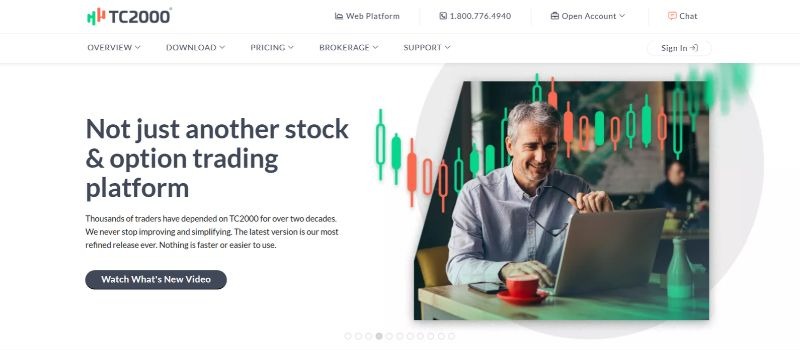
TC2000 is a US stock and options charting platform known for fast stock screening, with trading built in through TC2000 Brokerage.
Key Features
EasyScan and Condition Wizard: EasyScan is a point-and-click stock screener that helps you find new trade ideas in seconds. The Condition Wizard lets you build your own scan rules without code.
Options Tools: Options charts show historical and streaming bid and ask data. Option Profit and Loss Zones shade where a strategy makes or loses money, and you can build multi-leg options orders in one click.
Trading from the Chart: You can place trades and multiple exit orders from the chart through TC2000 Brokerage, on Windows desktop or the web platform.
Trading Simulator: The Basic plan includes paper trading with real-time data, so you can practice before you risk money.
Alerts, Watchlists, and Journal: Alerts fire on chart conditions, built-in watchlists cover indices and sectors, and a personal journal tracks your trades.
Price: Basic $24.99, Premium $49.99, and Premium Plus $99.99 per month. There is no free plan, and extra data feeds cost $1.50 to $25 per month.
Downside: Coverage is focused on US stocks and options, so forex and crypto traders should look elsewhere.
Best For
TC2000 is best for US equity day traders, swing traders, and options traders who scan for setups every day.
9. Koyfin
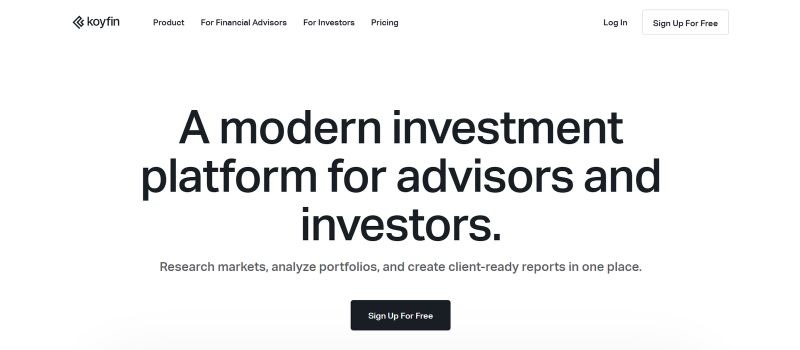
Koyfin is a market research platform, used by financial advisors and individual investors, that pairs charts with deep fundamental data across multiple markets.
Key Features
Financial Analysis: Koyfin shows financial statements, analyst estimates, valuation metrics, and earnings call transcripts for each company.
Equity Screener: The screener scans over 100,000 global securities with more than 5,900 filters.
Dashboards: You can build custom dashboards and use ready-made macro dashboards for yields, currencies, commodities, and economic data.
Broad Data Coverage: Coverage includes stocks, ETFs, mutual funds, indices, government yields from 40 countries, currencies, commodities, and crypto.
Advisor Tools: Advisor plans add portfolio tools and client-ready reports for financial advisors.
Price: Free plan, then Plus at $39 per month and Premium at $79 per month. Advisor plans start at $209 per month.
Downside: It is a research tool, not a trading platform, and its technical tools are lighter than TradingView.
Best For
Koyfin is the best alternative to TradingView for investors who care more about company fundamentals than chart patterns.
10. Trading Station (by FXCM)
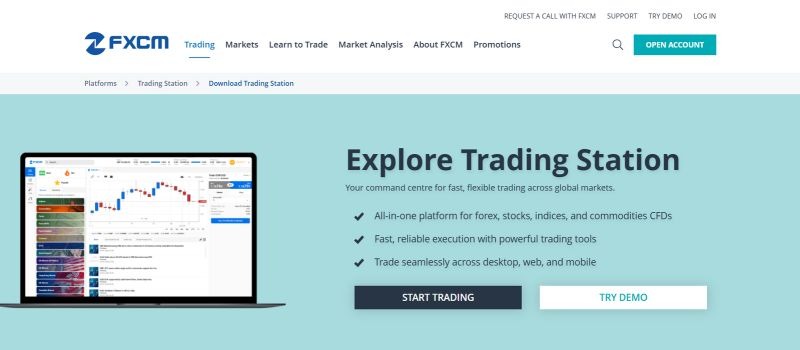
Trading Station by FXCM is a robust platform specifically designed for forex traders, offering comprehensive charting and analysis tools. Its integration with FXCM’s brokerage services makes it a good fit for forex-only traders.
Key features of Trading Station include advanced charting, technical analysis tools, and a variety of order types, all optimized for forex trading. The platform also offers high-quality tick data, ensuring precise price tracking and reliable execution, which is essential for precision trading in fast-moving markets.
Trading Station also supports custom indicators and automated strategies.
Price: Free with an FXCM account.
Downside: It only works with FXCM, so you cannot use it with other brokers or prop firms.
Best For
FXCM Trading Station is best for forex traders needing high-quality market data, advanced charting, and precise real-time pricing.
How Do You Choose the Right TradingView Alternative?
Many traders pick the wrong platform because they compare looks, not needs. Choose a TradingView alternative based on the market you trade, the feature you are missing, and your budget. Use this quick guide:
- Advanced Charting Tools: One common feature across most platforms is advanced charting tools. Unless you need something very specific, you can generally use any of these platforms for analysis purposes. They all offer the essential charting tools, indicators, and chart customization you need to analyze the markets.
- Backtesting Your Strategy: If backtesting is a priority for you, Forex Tester Online is an excellent platform tailored to this need. It offers detailed historical data and tools to simulate your strategies. For stocks, TrendSpider is the stronger fit.
- Integration with Multiple Brokers and Prop Firms, or Automation of Strategies: If you trade with a prop firm or want to automate your strategies, TradeLocker is the way to go. It allows easy connection with various platforms and provides tools for algorithmic trading.
- Trading Multiple Asset Types: If you trade forex, indices, commodities, and CFDs, or want algorithmic trading, MetaTrader 5 covers it, depending on what your broker offers. It offers robust features, extensive customization options, and support for both manual and automated trading.
- US Stocks and Options: Pick thinkorswim if you want a free platform, or TC2000 if fast scanning matters most.
- Futures: Pick NinjaTrader.
- Fundamentals: Pick Koyfin.
- Trading With a Prop Firm: Before switching platforms, check which options your prop firm supports. For example, Top One Trader offers access to supported trading platforms through its funding programs, allowing traders to choose a platform that fits their trading style and charting preferences.
Which TradingView Alternative Should You Pick?
TradingView is a powerful platform, but it’s not the only option. If you need automation and broker flexibility, TradeLocker and Match-Trader are strong choices. For backtesting, Forex Tester Online offers extensive historical data. Traders seeking comprehensive features in one place can explore MetaTrader 4 and 5, thinkorswim, or NinjaTrader for advanced analysis and execution. Stock traders who want automation should look at TrendSpider, and investors who want fundamentals should look at Koyfin.
The best alternative depends on what you trade. Pick the one that fixes the problem that made you leave TradingView in the first place.
Want TradingView-style charts without paying for a separate TradingView subscription? Explore Top One Trader’s supported trading platforms, including MetaTrader 5, Match-Trader and TradeLocker, and find a funded trading challenge that fits your strategy and charting preferences.
Explore Top One Trader’s Funding Programs
Frequently Asked Questions
Are There Free TradingView Alternatives?
Yes. The best free TradingView alternatives are thinkorswim, MetaTrader 5, NinjaTrader, and Koyfin. thinkorswim is free with a Schwab account, MetaTrader 5 is free through a supporting broker, and NinjaTrader is free for charting, backtesting, and simulated trading. TradeLocker and Match-Trader are also free when your broker or prop firm provides them. Check the data package before you switch, because many free versions limit live data, alerts, or indicators.
Is TradingView good enough to pay for in 2026?
TradingView remains worth paying for if you use its community features, like public scripts and sharing ideas, plus Pine Script and multi-chart layouts every day. Paid plans range from $12.95 to $199.95 per month, and higher plans unlock more features like extra indicators and alerts. If you only need charts to trade forex or a prop account, TradeLocker or Match-Trader gives you TradingView charts at no extra cost.
Which TradingView alternative is best for beginners?
thinkorswim is the best TradingView alternative for new users in the US because it is free with a Schwab account and includes paperMoney for practice trading. Forex beginners should start with Match-Trader, which has a simple layout and built-in TradingView charts.
Can you trade directly from a TradingView alternative?
Yes. TradeLocker, Match-Trader, MetaTrader 5, thinkorswim, NinjaTrader, and FXCM Trading Station all offer direct trading capabilities, so you can place trades from the chart. TradingView connects to a list of supported brokers too. TrendSpider, Koyfin, and Forex Tester Online are analysis or testing tools, so you need a separate broker to trade from them.
Is MetaTrader 5 better than TradingView?
In MetaTrader 5 vs TradingView, MT5 is better for automated forex trading, because Expert Advisors and the Strategy Tester are built in and the platform is free through a broker. TradingView is better for chart design, community indicators, and multi-asset analysis.
What do prop firms use instead of TradingView?
Most forex prop firms use MetaTrader 5, TradeLocker, Match-Trader, or cTrader. TradeLocker and Match-Trader are popular with prop traders because they include TradingView charts.
Is There a TradingView Alternative with Pine Script?
No major platform runs Pine Script natively, so a TradingView alternative with Pine Script usually means rewriting your scripts in a new language. MetaTrader 5 uses MQL5, NinjaTrader uses NinjaScript (C#), thinkorswim uses thinkScript, and TrendSpider supports JavaScript indicators plus an AI coding assistant. Before you move, check that your indicators and tools work the same way in the new language. Some third-party tools claim to run Pine Script inside MT5, but test them on a demo account before trusting them with live trades.
What Is the Best TradingView Alternative for Backtesting?
The best TradingView alternative for backtesting is Forex Tester Online for manual forex backtesting and TrendSpider for no-code stock strategy testing. Forex Tester Online replays up to 23 years of tick data, which is useful for checking how a strategy holds up across different market conditions. NinjaTrader and MetaTrader 5 are the strongest free options for backtesting automated strategies.
Can You Use TradingView Charts Without a TradingView Subscription?
Yes. TradeLocker and Match-Trader both build TradingView charts into their platforms, so the actual charts, drawing tools, and indicators are the same without a paid subscription to TradingView. This is the easiest switch for traders who like TradingView charts but are tired of paying for them. Prop traders get an extra benefit: they can chart and trade funded capital from the same screen.
-1%201%20(1).webp)